Global Multi-Language Support
Speak your native tongue. ReAlarm is actively translated into 49 distinct languages spanning over 60 global regions.
Overview
A morning routine shouldn't require a translation dictionary. ReAlarm believes in universal accessibility, providing deep, native-level localization for absolute clarity during your groggiest hours. We have painstakingly built support for 49 different global languages, specifically mirroring the elite translated roster from the Google Play Console.
Using advanced Android App Bundles (Split APKs), ReAlarm keeps its base install size tiny by only downloading your specific regional language pack exactly when you request it from the settings menu.
Capabilities
- 49 Fully Translated Locales: From core staples like Spanish, French, and Mandarin, to highly specific regional dialects including Gujarati, Kannada, Zulu, and Swahili. If Google translates it, ReAlarm supports it natively.
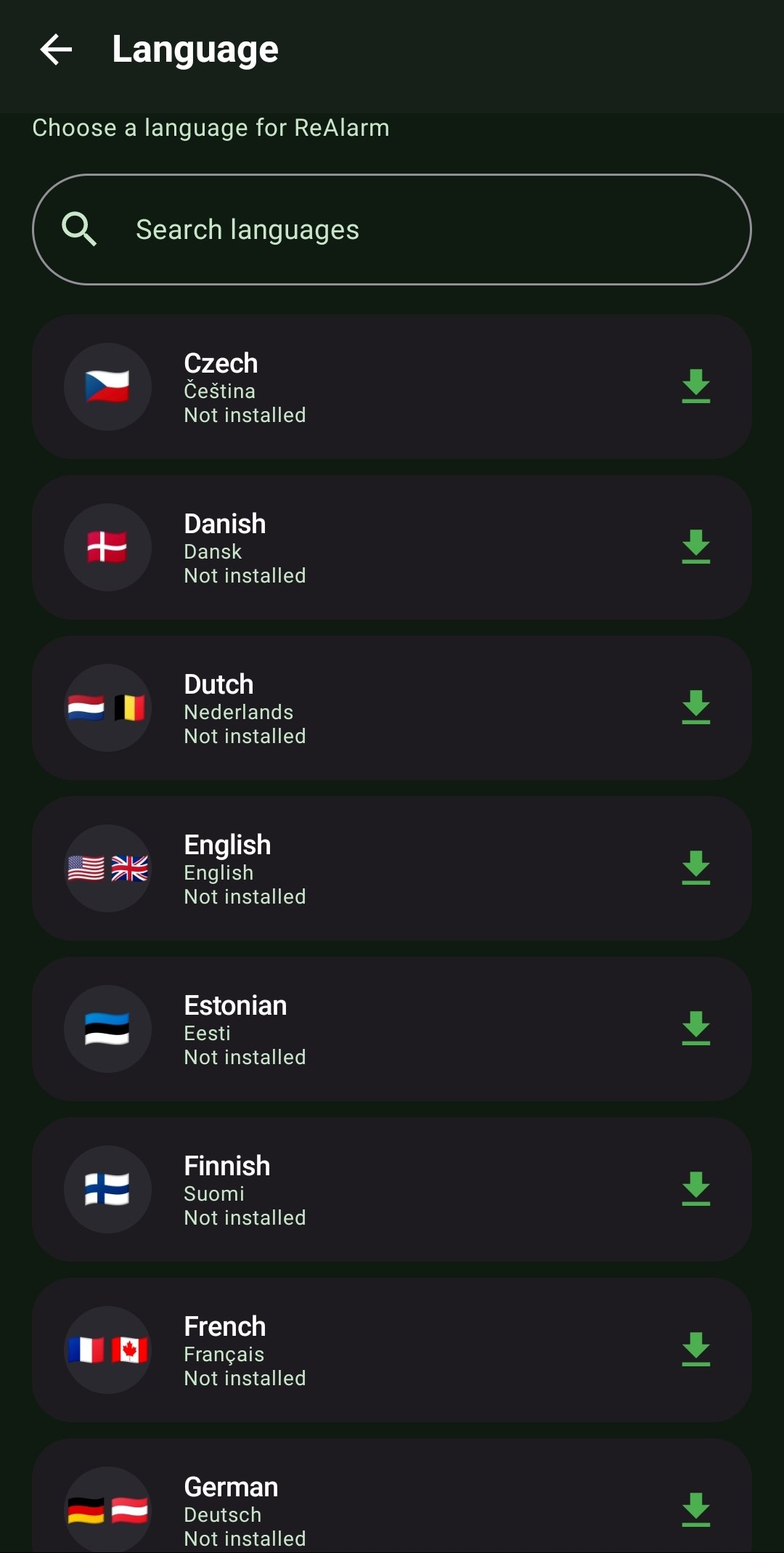
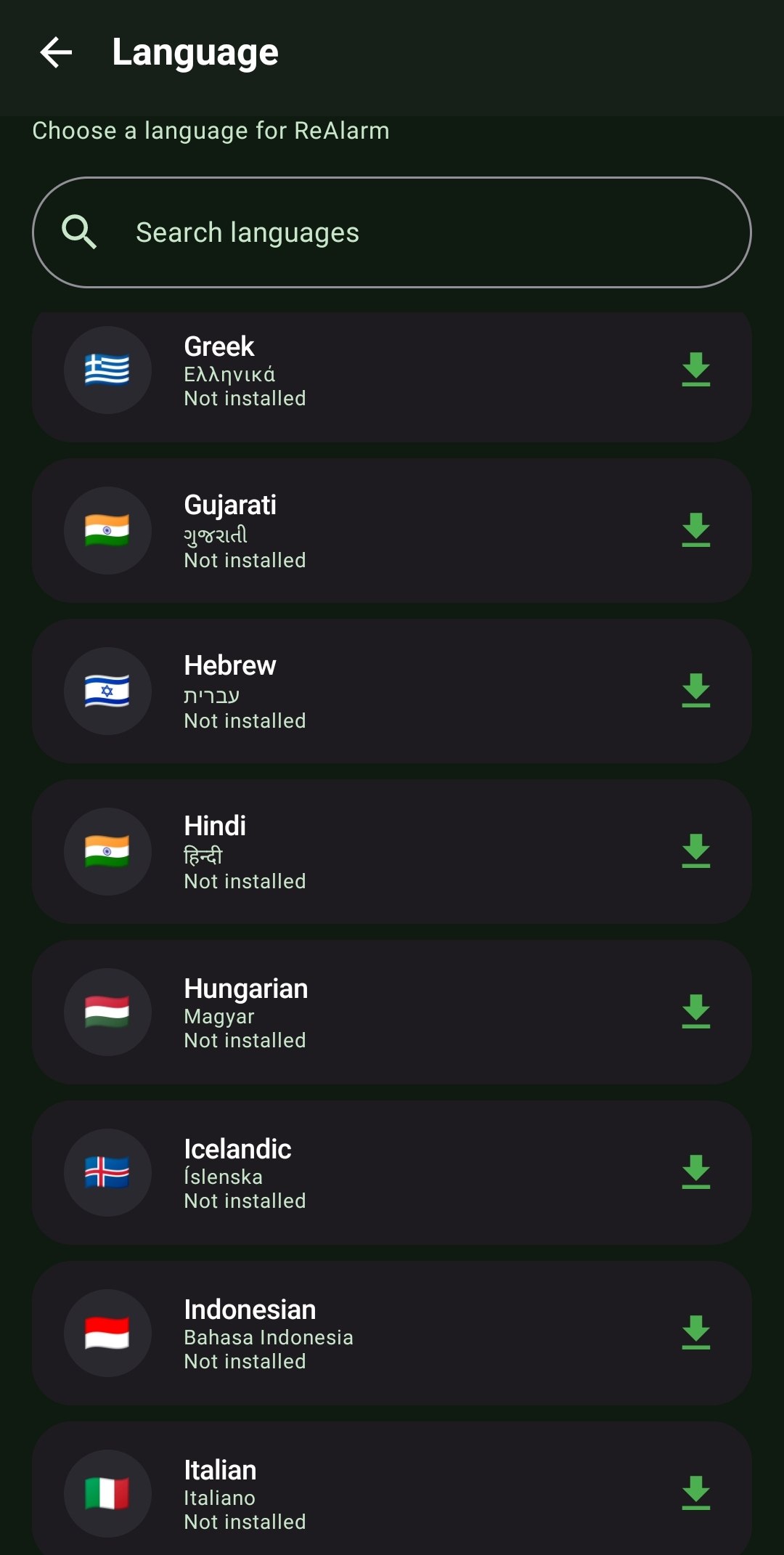
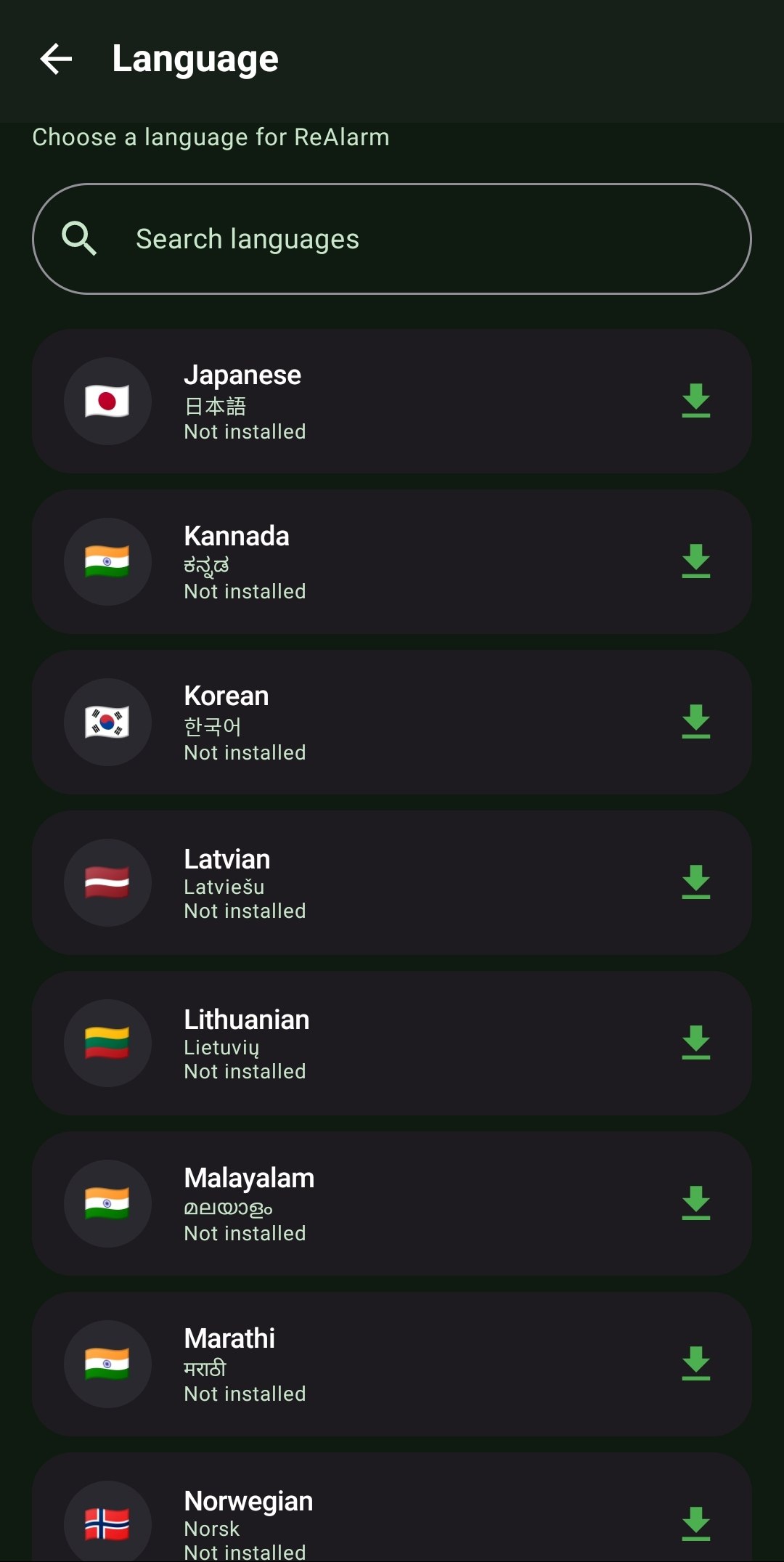
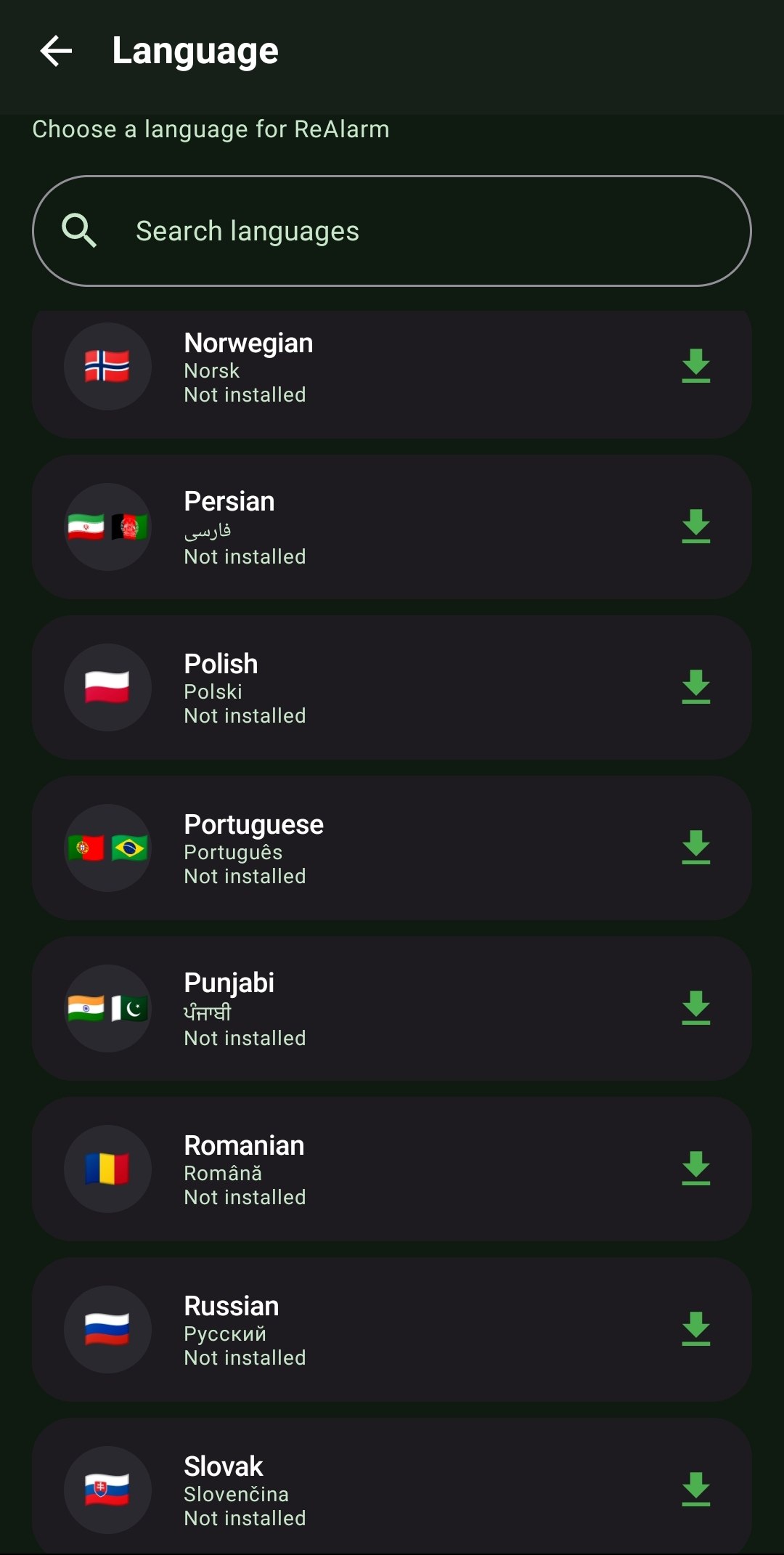
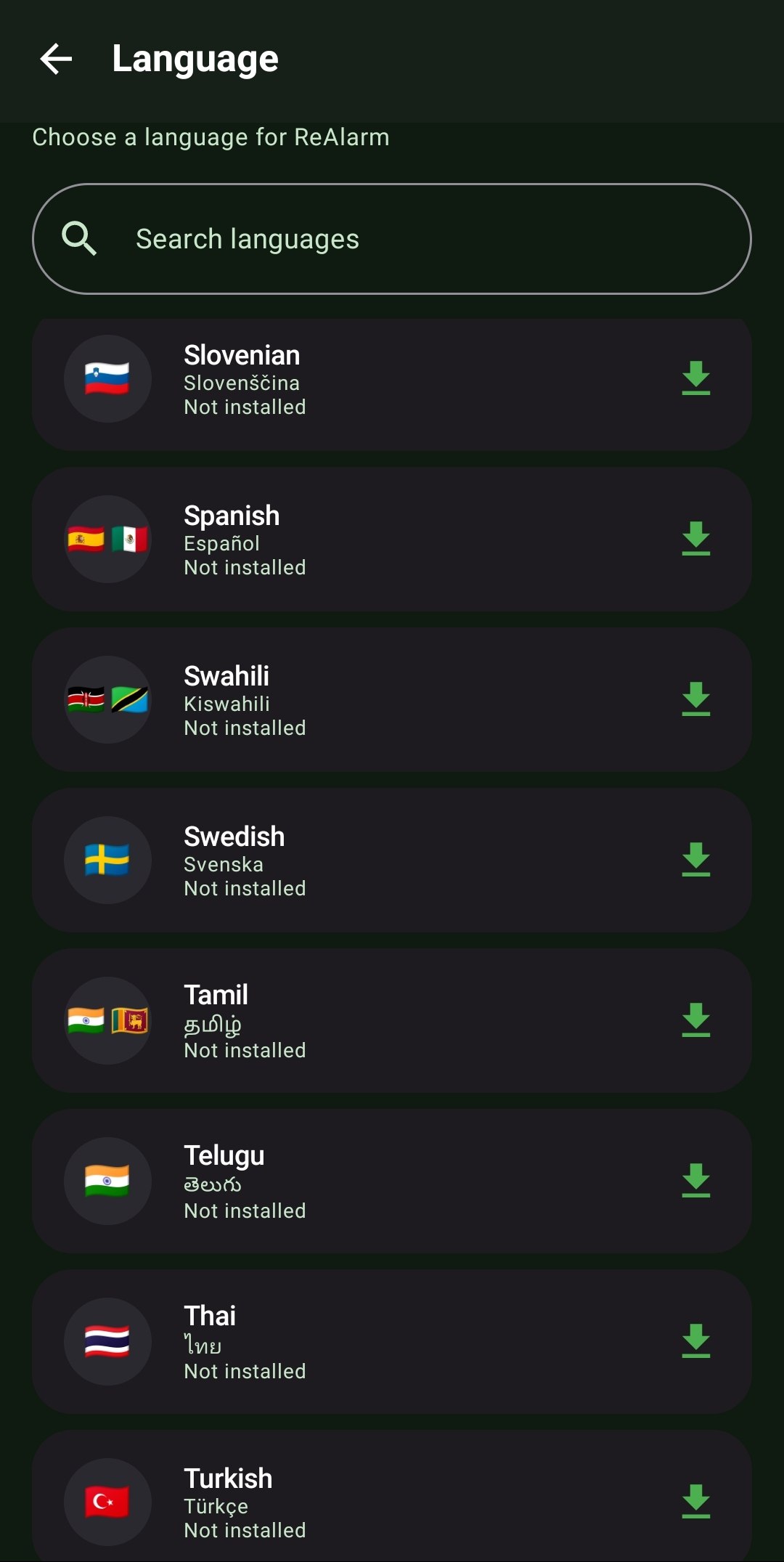
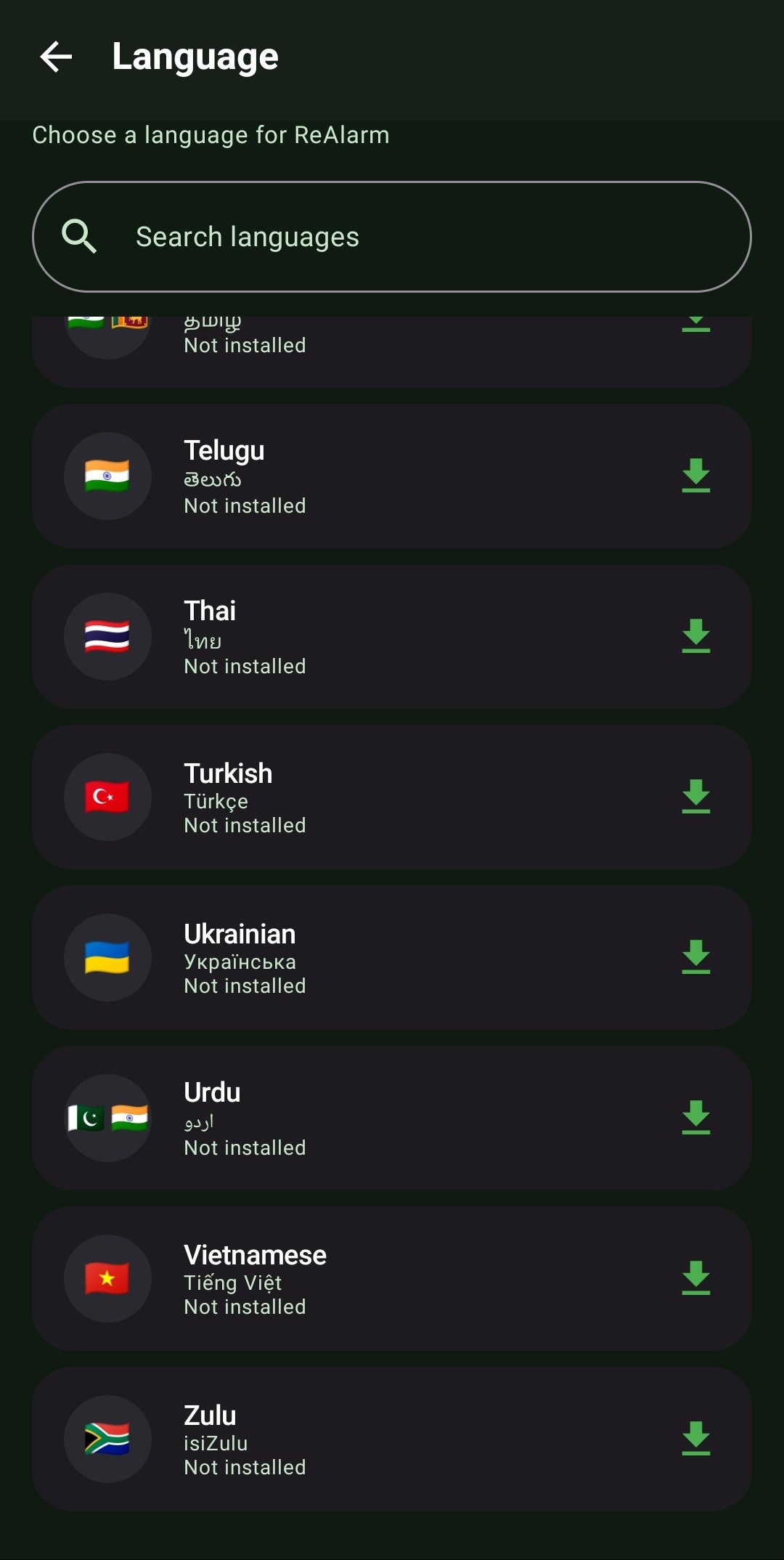
- Complete Language Roster: Arabic, Bengali, Bulgarian, Catalan, Chinese (Simplified), Croatian, Czech, Danish, Dutch, English, Estonian, Finnish, French, German, Greek, Gujarati, Hebrew, Hindi, Hungarian, Icelandic, Indonesian, Italian, Japanese, Kannada, Korean, Latvian, Lithuanian, Malayalam, Marathi, Norwegian, Persian, Polish, Portuguese, Punjabi, Romanian, Russian, Slovak, Slovenian, Spanish, Swahili, Swedish, Tamil, Telugu, Thai, Turkish, Ukrainian, Urdu, Vietnamese, and Zulu.
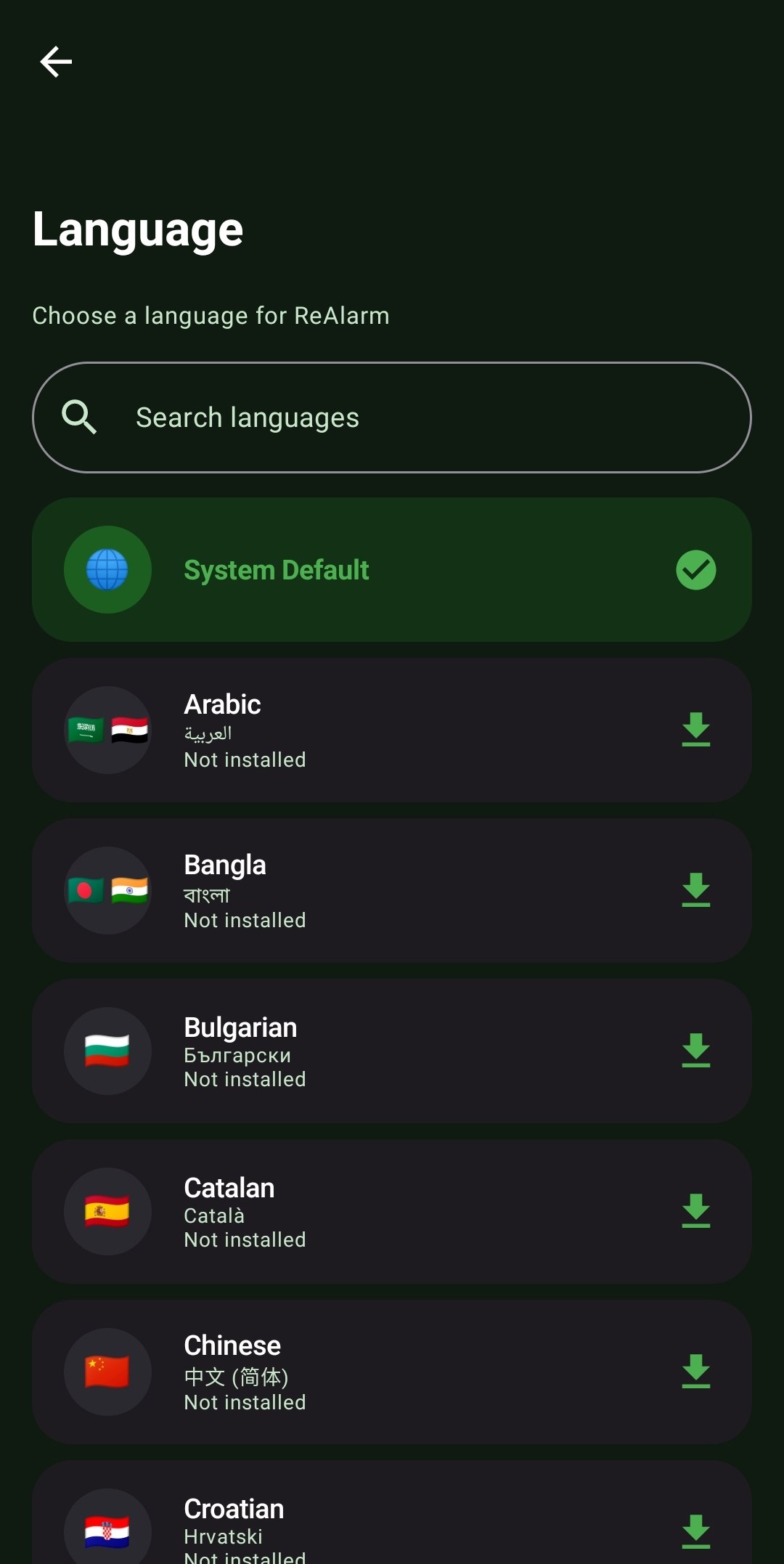
- Regional Flag Signifiers: Navigating foreign menus is hard. ReAlarm's language picker utilizes visual country flag emojis (mapping over 60 distinct nations) so you can visually click your origin without reading a single English word.
- Dynamic Split-APK Downloading: Why waste 50MB storing 48 languages you will never speak? ReAlarm connects securely to the Google Play Core framework to seamlessly stream and install only the specific language module you tap, instantly applying it without rebooting the app.
- System Default Match: Just want the app to mirror your overall Android phone settings? Leave it on 'System Default' and ReAlarm will automatically pivot its UI whenever you change your phone's main OS language.
How to Setup
- Open the ReAlarm Settings menu and tap the 'Language' option.
- Scroll through the exhaustive list of 49 options, or use the top Search Bar if you know what you are looking for.
- Tap your native language. ReAlarm will instantly initiate a lightweight Split APK download in the background. Once the checkmark turns green, your entire UI is instantly translated!
Use Cases
The Expat: You live in Japan but prefer your phone's OS to be in English. However, you want ReAlarm specifically set to Japanese to practice reading the Kanji in your custom challenge names. ReAlarm completely isolates its own translation from the system default.
Multi-Lingual Households: You share a tablet that acts as a central alarm hub. Because switching languages triggers a lightning-fast dynamic UI reload, different family members can toggle between Hindi, Arabic, and French in less than 3 seconds without rebooting the tablet.
Screenshots
Frequently Asked Questions
Exactly how many languages are supported?
Does ReAlarm download all 49 languages to my phone?
If I type my own custom alarm names, does it translate those?
Ready to Upgrade Your Morning?
Install ReAlarm today to unlock Global Multi-Language Support for free.
Get it on Google Play